No More Copy-Pasting

Stop Copy-Pasting.
Start Exporting.

The fastest way to turn AI conversations into professional documents. Works instantly with ChatGPT, Claude, and Gemini.
Works seamlessly with


ChatGPTClaudeGoogle Gemini

Export to Any Format

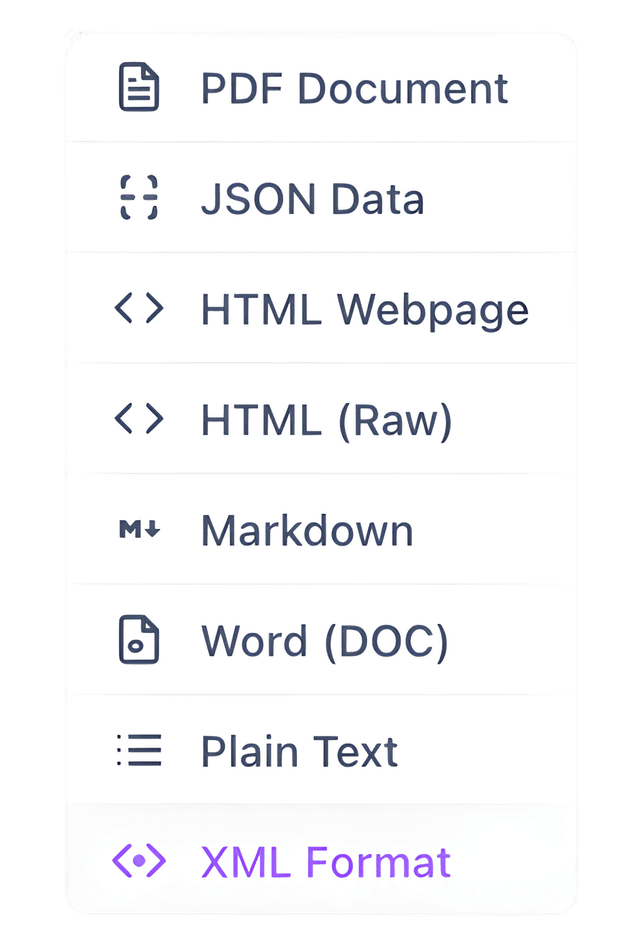
Choose from 8 professional export formats

PDF Document

JSON Data

HTML Webpage

HTML Structure

M↓

Markdown

Word (DOC)

Plain Text

XML Format

Everything You Need

Simple, fast, and private export for all your AI conversations.

One-Click Export

Export entire conversations instantly, no matter how long.

8 Export Formats

PDF, Markdown, Word, JSON, HTML, HTML Structure, Plain Text, and XML.

100% Private

All processing happens locally. Your data never leaves your device.

Always Free

No accounts, no subscriptions, no hidden fees. Just install and use.

How It Works

Get started in seconds.

1

Install Extension

Add ChatXporter to Chrome from the Web Store. No account or setup required.

2

Choose Your Format

Select from 8 export formats including PDF, Markdown, Word, and more.

3

Export & Done

Click export and your conversation is saved to your device instantly.

Frequently Asked Questions

Everything you need to know about ChatXporter

Simply visit the Chrome Web Store, search for ChatXporter, and click 'Add to Chrome'. The extension will be installed instantly and ready to use. No configuration or setup required.
ChatXporter currently supports Google Chrome browser only.
No account required! ChatXporter works immediately after installation. We believe in simplicity and privacy - just install and start exporting.
ChatXporter supports 8 export formats: PDF, Markdown (.md), Microsoft Word (.doc), JSON, HTML, HTML Structure, Plain Text (.txt), and XML. Choose the format that best fits your workflow.
ChatXporter exports individual messages one at a time. Select any specific message from your conversation and export it instantly. This gives you precise control over what you save.
Absolutely. All processing happens locally in your browser. Your conversations never leave your device, and we never see, store, or transmit any of your data. Your privacy is our top priority.
No. ChatXporter collects zero data. We don't track usage, conversations, or personal information. The extension is completely private and works entirely offline.
Yes! ChatXporter works with all ChatGPT tiers including Free, Plus, and Pro accounts.
Yes, ChatXporter is currently free to use with no hidden fees or subscriptions. All features are available to everyone at this time.

Ready to Start Exporting?

Add to Chrome - It's Free